A beginner's guide
Understand AI-DLC Workflows 2.0 in about 17 minutes
The AI-Driven Development Life Cycle lets people and AI agents build software together, with AI taking on more of the work as more of it can be checked automatically. Six short videos, plain-English notes, interactive diagrams and quick checks. No prior AI-DLC knowledge needed.
AI-DLC 2.0 in three ideas
Every task has three parts
What goes in and comes out, how we know it’s right (checks), and what we learned. This is the three-compartment model.
AI checks and fixes its own work
It plans, does, verifies and retries, within a fixed budget. If it is still stuck, it asks a human. No runaway loops, no needless interruptions.
Autonomy grows one rule at a time
Each team rule turned into a machine check is one less thing a person must review. You start with what you have and add more over time.
The lessons
Watch in order. Each lesson matches one section of the specification and takes 2 to 5 minutes.
 2:31
Lesson 1Why AI-DLC 2.0?AI-DLC keeps the software lifecycle you already know, and gradually hands more of the work to AI as more of it becomes machine-checkable.
 5:11
Lesson 2The Nine PrinciplesNine beliefs explain every design choice in AI-DLC 2.0. The core one: give AI clear inputs, outputs and checks, and it can correct its own work, with a human safety net.
 2:52
Lesson 3How It's Built: StructureAI-DLC 2.0 is five reusable libraries and tools, and every stage runs the same loop: clarify, plan, do, check, retry, and ask for help if stuck.
 2:39
Lesson 4The OrchestratorThe orchestrator is the project lead: it owns the goal, picks and orders the stages for this particular job, watches the run, and enforces the rules that span every stage.
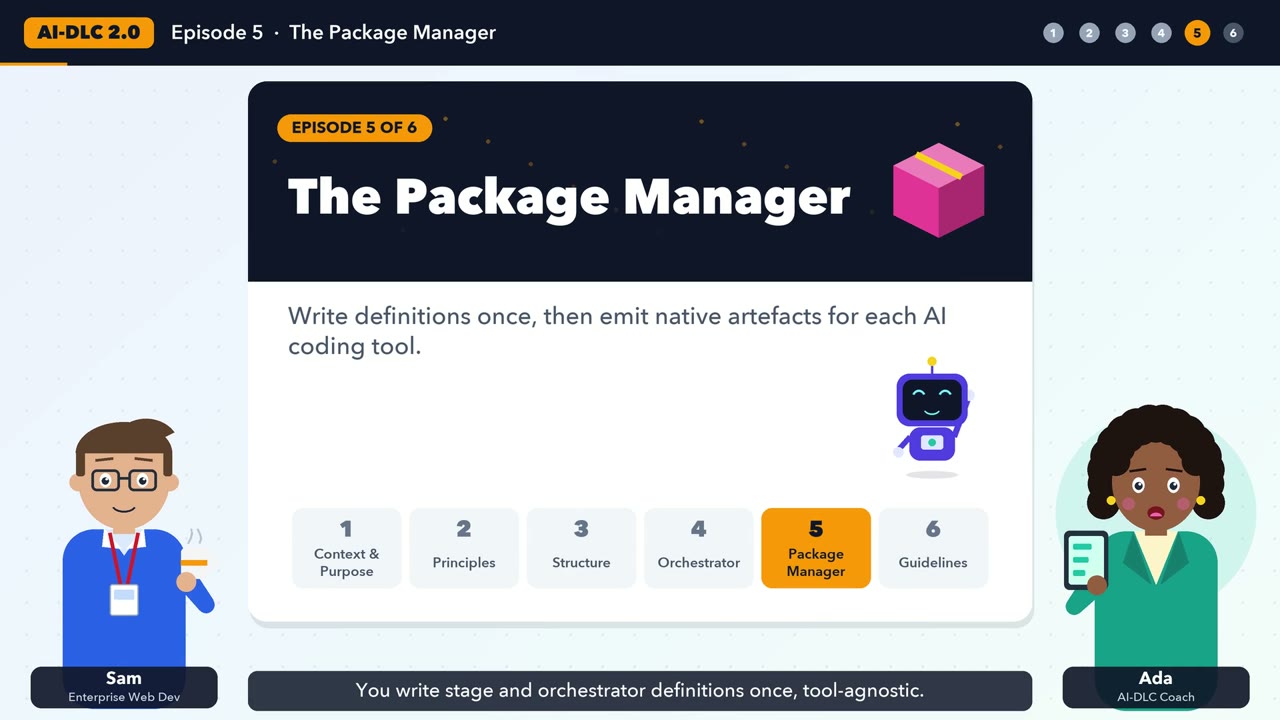 1:54
Lesson 5The Package ManagerWrite each stage once in a tool-neutral file, then let the package manager emit versions for Kiro, Claude Code, Cursor and GitHub Copilot that reference it and add each tool's strengths.
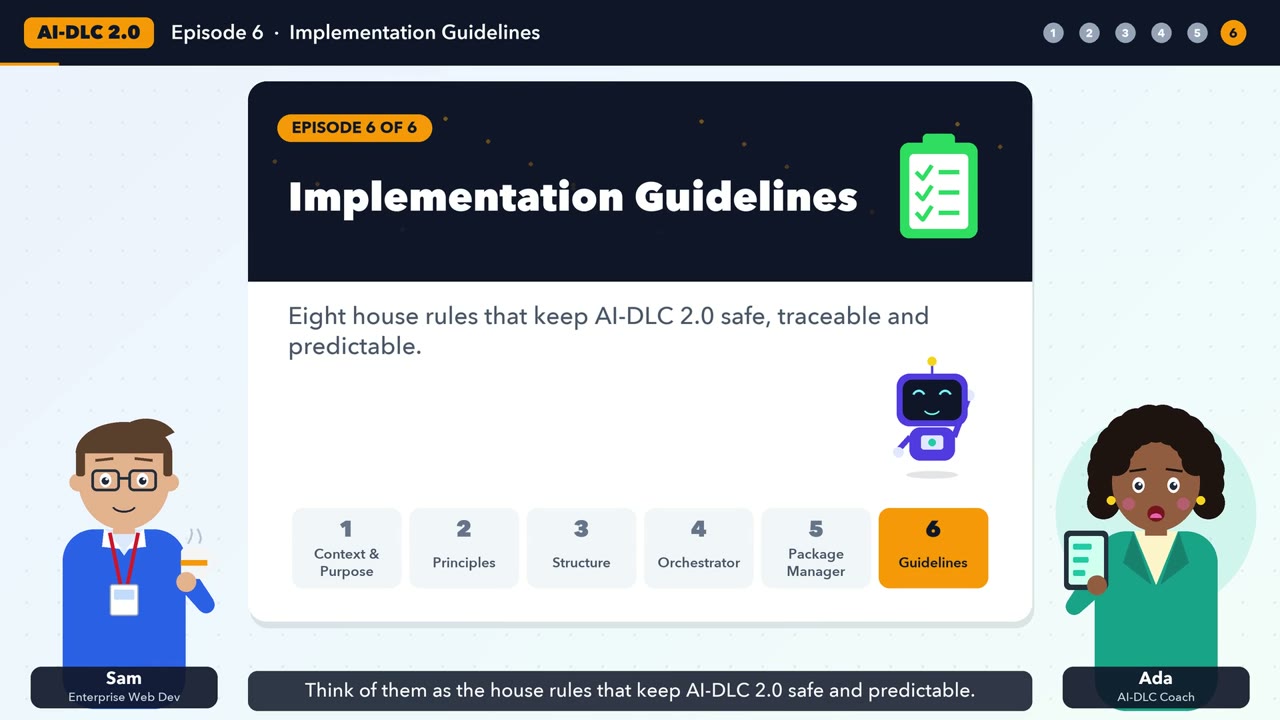 2:11
Lesson 6Implementation GuidelinesEight practical rules keep an AI-DLC setup predictable, traceable and safe. Use them as a checklist for your own workflow.
The whole picture
How the pieces fit together. Each box links to the lesson that explains it.
Lesson 6 covers the eight implementation guidelines that keep all of this predictable and auditable.
Who this is for
Developers, architects, product owners and leaders who have heard of AI-assisted development and want to understand how AI-DLC 2.0 organises it. If you know what requirements, design, build, test and deploy mean, you have all the background you need.
How to use this site
- Watch the video at the top of each lesson.
- Read the short notes and try the interactive diagram.
- Answer three quick questions to lock it in.
- Look up any unfamiliar word in the glossary.